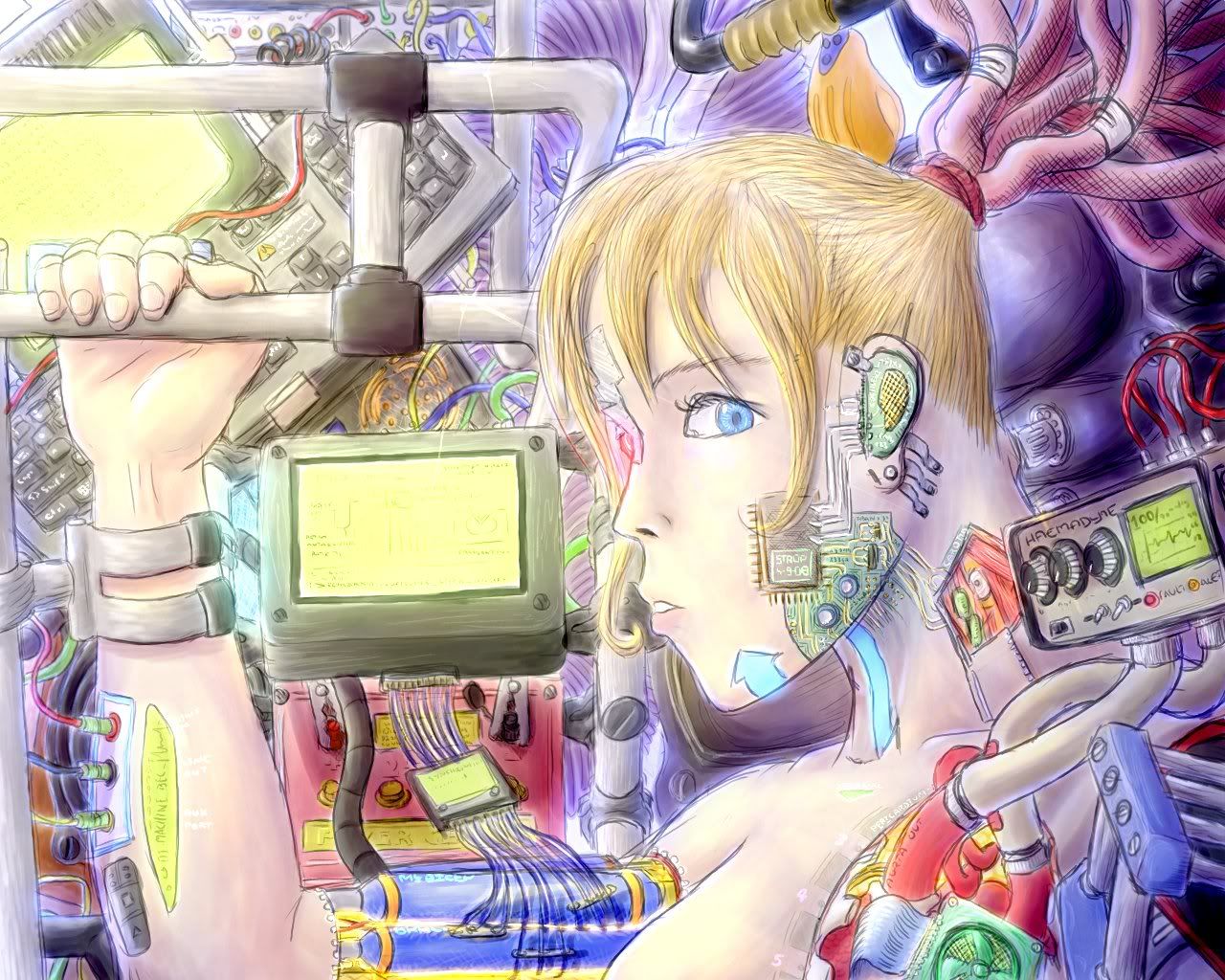
Right, so I pulled out of the previous GFX round due to not being able to finish on time. Since then I've been working on the image on-and-off and now it's finished only about a week late.
The picture shown below is half the size, the fullsize one can be found by clicking on the picture.
The full resolution pic (1280xs1024) is low quality...the high quality version is 1.1Mb and doesn't fit on photobucket xD Lame. Except I feel justified with the size...this was hand-drawn from start to finish.
I should have tidied up the sketchlines more, but wasn't actually intending to spend this much effort on it. Meh.
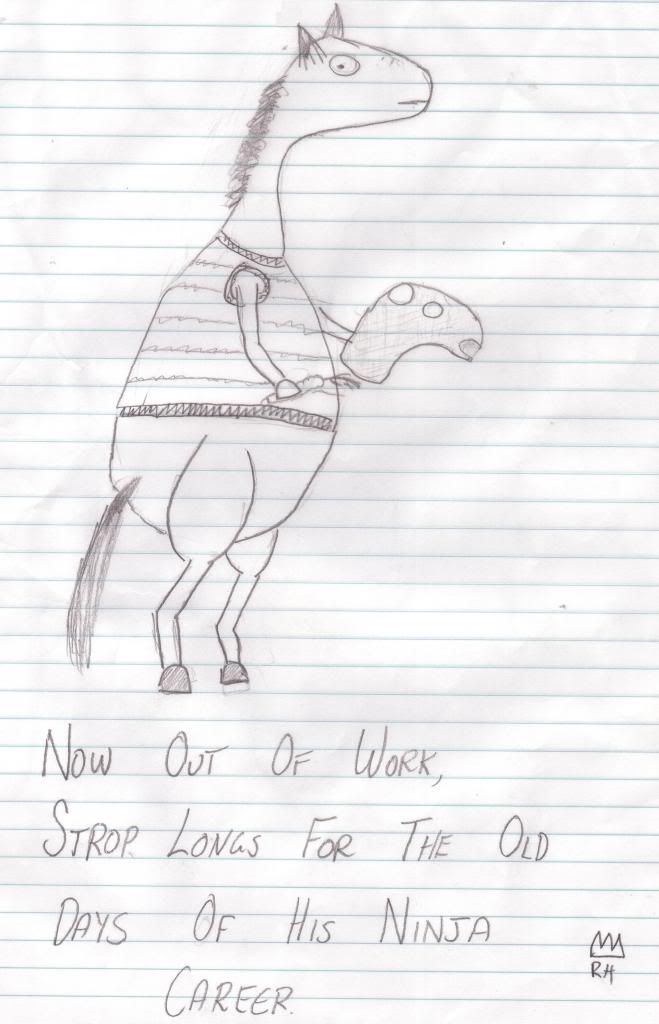
the more and more I look at anthro ninja-strop I just totally wig out and think that it's made of pure silly. Lol. But then again, a child with claws that can slice through anything is kinda silly.
Oh, well you see how the mane starts somewhere on the neck? Ordinarily horses have hair over the poll and also have a forelock. Since this geezer Strop was missing those I concluded you left it out on purpose :P Accidental brilliance eh.
Originally, I was planning on giving you long, silky hair and dressed you in a pink nightdress....but...my art skills failed on me...
*takes out own art skills*
Unfortunately not many of you will see the result of this, since I'm merging it with a drawing Strop requested that wouldn't be okay on a PG13 forum...